Osstell Beacon

Osseointegration? Easy.

Osstell Beacon [オステルビーコン] は、インプラント安定性を客観的かつ非侵襲的に判断し、治癒過程を妨げることなく、オッセオインテグレーションの進捗の分析を支援します。Osstell Beacon [オステルビーコン] には、何千もの科学的研究に裏付けられた、エビデンスベースの独自のRFAテクノロジーが用いられています。また、広範なインプラントデータへのアクセスを提供し、患者さんとのコミュニケーションの改善をサポートする無料のクラウドベースプラットフォームであるOsstellConnect [オステルコネクト] もご利用いただけます。

予測可能な結果

弊社のメソッドは推測を排除します。Osstell [オステル] は、客観的な値でインプラント安定性を測定することにより、すべての患者さんに対するインプラント治療の予測可能性と信頼性を高めます。

最適な治療時間

即時荷重は、より一般的になっています。 Osstell® [オステル]により、必要な時間を待つのみとなります

実証されたメソッド

1,500以上の科学的研究に裏付けられた当社のメソッドは、RFAをベースとしており、インプラントが十分に安定しているかどうかを決定付ます。 この結果は、ISQ価値の1-99の数値で表します。ISQの数値が高いほど、より安定的なインプラントということです。

OSSTELLCONNECT & OSSTELL BEACON

Enhance your implant treatments

インプラント治療の強化が可能です。
OsstellConnect(オステル コネクト)は、無料のクラウドベース ソリューションです。歯科医が診療データを活用し、インプラント治療を強化する、最新の方法を提供しています。OsstellConnectは25万件以上のデータ数を有する、世界最大のインプラント オンラインポータル(入口)です。無料であなたのOsstell Beacon(オステル ビーコン)とアクセスできます。

OsstellConnect
OsstellConnect and Beacon

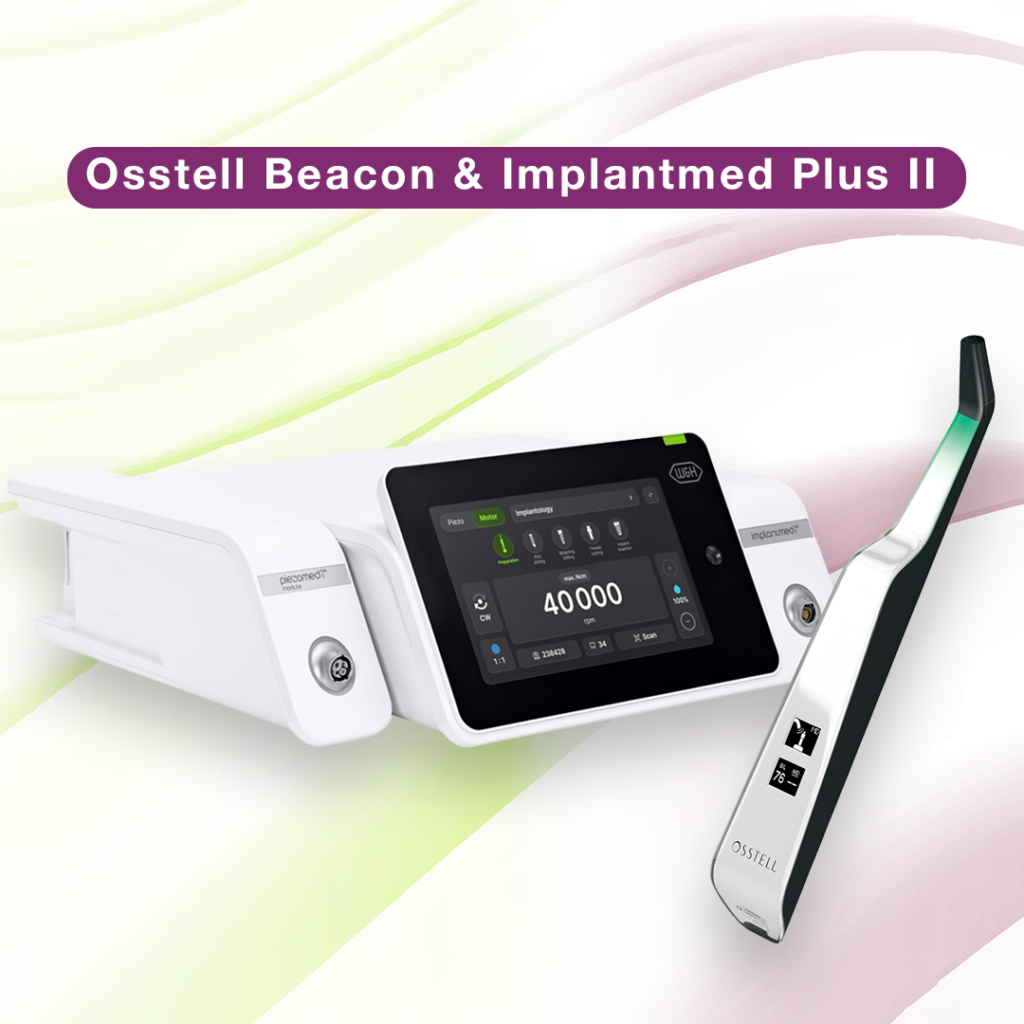
Implantmed Plus II & Osstell Beacon

W&HのImplantmed Plus IIとOsstell Beaconが誇る高い精度と信頼性

W&HのImplantmed Plus II [インプラントメッドプラス] とOsstell Beacon [オステルビーコン] を組み合わせることで、安全で正確なインプラント手術に最適なソリューションが実現します。安全なインプラント埋入のための自動トルク制御や、精度を向上させるスレッドカッター機能などの機能を備えたImplantmed Plus II [インプラントメッド] は、使いやすさと正確性を兼ね備えています。Osstell Beacon [オステルビーコン] は、ISQ安定性の測定値をリアルタイムで画面に直接表示し、文書化を簡素化して患者さんの転帰を最適化することで、ユーザーエクスペリエンスの質をさらに高めます。
診療の精度を向上させるために、Implantmed Plus IIとOsstell Beaconのパッケージをご検討下さい。
W&Hのソリューションについての詳細をご覧下さい

ビデオ

機器の設定方法- 手順

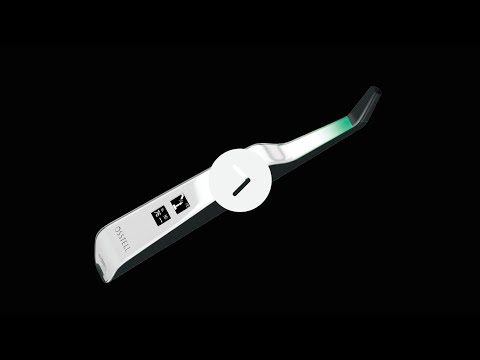
この短いビデオでは、お使いのOstell Beacon(オステル ビーコン)の設定と登録方法を、手順ごとに説明します。5分後には登録完了です。

登録

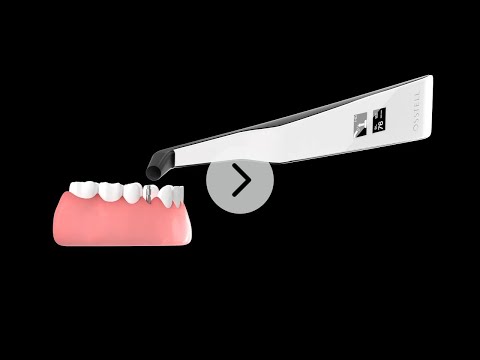
Osstell Beacon(オステル ビーコン)で、インプラントの安定性を測定する方法

Osstell Beaconは、インプラントの安定性をわずか数秒で判定します。このビデオでは、測定方法を紹介します。その他の手順については、OsstellConnect(オステル コネクト)のアカウント内の、サポートページをご覧ください。

ログイン

Search for distributor

サポート資料

EMC Declaration

Frequently asked questions

Got a question regarding Osstell Beacon? Our FAQ is the fastest way to get help. Below you will find the most frequently asked questions regarding Osstell Beacon. If you can’t find the answer you are looking for, don’t hesitate to contact us.

How do I switch the Osstell Beacon from transport mode to use mode?

The Osstell Beacon is delivered in transportation mode with the motion sensor deactivated. To switch modes, briefly connect the USB cable to the instrument and a USB port on a computer for a few seconds, then disconnect.

How do I get started?

Start by charging the instrument for about 3 hours to ensure optimal performance.

The Osstell Beacon starts automatically when moved, shows the battery status, and is then ready for measurement in the BL (buccal-lingual) direction.

Bring the instrument close to a SmartPeg or TestPeg to start measuring. An audible signal confirms the measurement, and the ISQ value is shown together with a coloured stability indication (red, yellow, green).

At start-up, an OsstellConnect code is displayed until the instrument is registered. You can register your instrument here: Register to OsstellConnect.

The instrument turns off automatically after 60 seconds without movement.

How do I measure with the Osstell Beacon?

Video on how to measure: Measure with Osstell Beacon

1. Activate the Osstell Beacon by picking it up. The instrument will start-up and after showing the battery status, the instrument will be ready for measurement in the BL (Buccal – Lingual) direction, which is prompted in the upper display as well as optimal angle towards the Smartpeg.

2. Place a barrier sleeve over the Osstell beacon instrument.

3. Place the SmartPeg into the SmartPeg Mount. The SmartPeg is magnetic, and the SmartPeg Mount will hold the SmartPeg. See fig 2. Attach the SmartPeg to the implant or abutment by screwing the SmartPeg Mount using finger force of approximately 4-6 Ncm. Do not over-tighten, to avoid damaging the SmartPeg threads.

4. Hold the instrument tip close (2-4mm) to the top of the SmartPeg without touching it. Sometimes, you will need to go as close as 1 mm. An audible sound indicates when measurement has started, and measured data will be shown in the upper display combined with a colored light indication below the tip.

5. Bring the instrument out of the mouth to clearly read the ISQ value and the colored indication. The measured ISQ values will be displayed in the upper display for a couple of seconds and then switch to be ready for measurement in mesial-distal direction.

6. Repeat step 4 and the sequence starts over and the Osstell Beacon is ready for measurement in the BL (Buccal- Lingual) direction again.

7. When all measurements are performed, remove the SmartPeg by using the SmartPeg Mount. The instrument is automatically turned off after 60 seconds of inactivity.

What should I do if the Osstell Beacon doesn’t start or when the display is showing a wrench and a manual?

Charge the Beacon for at least 30 min in room temperature, then try again. If the error remains, try resetting the device by:

1. Identify the Beacon reset pin on the picture below.

2. With a paper clip, do a gentle press for 1 second on the reset button (Note! You may have to tilt the pin a little downwards).
If you see a “PadLock” symbol in the upper display, press one more time on the reset button.


If the Beacon still doesn’t start or the display is showing a wrench and a manual, then please contact your local sales representative or distributor or support@osstell.com.

測定時に予期しない値が出たり、測定値が表示されなかったりするのはなぜですか?

考えられる原因を以下に挙げます。


SmartPegが再使用されている: SmartPegは使い捨てであり、1回の治療セッションで1人の患者に対して、1回または複数回の測定にのみ使用して下さい。繰り返し再使用すると、軟らかいアルミニウム製SmartPegのねじ部の摩耗により、誤った測定値が出る可能性があります。

インプラントに対して誤った種類のSmartPegが選択されている: SmartPegの参照リスト(osstell.com/smartpegguide)をご覧下さい。

SmartPegとインプラントの間に骨または軟組織が介在している: SmartPegを装着する前に、必ずインプラントの補綴接続部を清掃して下さい。

電磁干渉: 電磁干渉の原因を取り除いて下さい。

プローブがSmartPegから離れすぎている: プローブをSmartPegから2~4mm離して保持して下さい。

関連する機器やサービスはこちら

SmartPeg

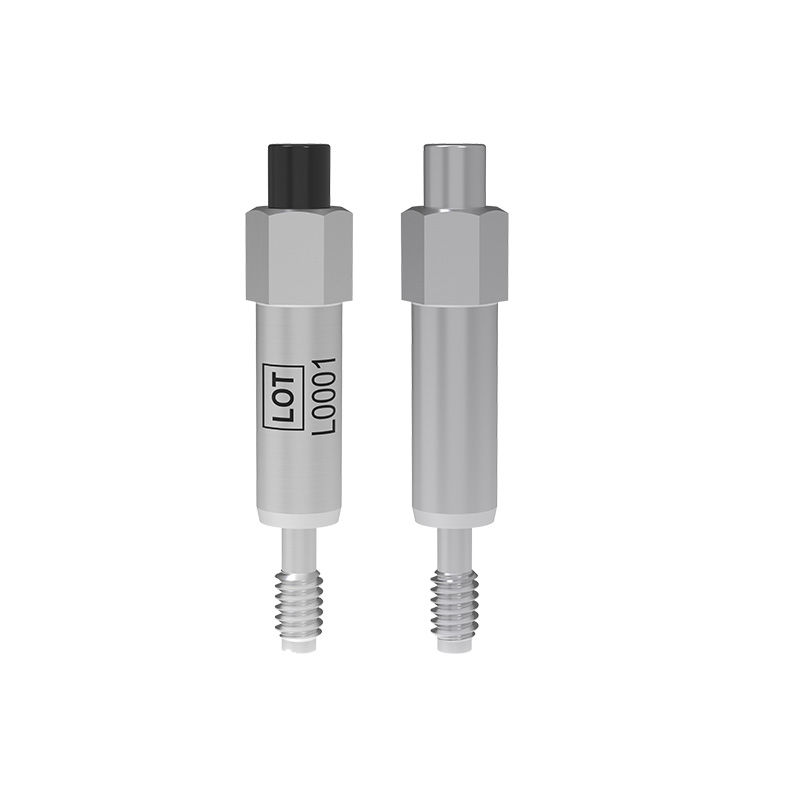
SmartPeg™はインプラントに装着し、Osstell Beacon(オステル ビーコン)などの測定機器と共に使用されます。

OsstellConnect

OsstellConnect(オステル コネクト)は、無料のクラウドベース ソリューションです。歯科医が診療データを活用し、インプラント治療を強化できる、最新の方法を提供しています。