Osstell Beacon

¿Osteointegración? Simple.

El Osstell Beacon le ayuda a determinar de manera objetiva y no invasiva la estabilidad del implante y a evaluar el progreso de la osteointegración, sin poner en peligro el proceso de curación. Osstell Beacon usa una tecnología RFA (del inglés, «resonance frequency analysis», análisis de la frecuencia de resonancia) factual y patentada, basada en más de miles de estudios científicos. También incluye OsstellConnect, una plataforma basada en la nube que proporciona acceso a exhaustivos datos de implantes y ayuda a mejorar la comunicación con el paciente.

Resultados predecibles

Con nuestro método ya no tendrá que hacer suposiciones. Al medir la estabilidad del implante con un valor objetivo, Osstell hace que los tratamientos con implantes sean más predecibles y fiables para todos los pacientes.

Tiempo de tratamiento óptimo

La carga inmediata se está realizando cada vez con más frecuencia. Los pacientes desean resultados rápidos. Y, con Osstell, solo tiene que esperar lo estrictamente necesario.

Método comprobado

Respaldado por más de 1500 estudios científicos, nuestro método está basado en la tecnología RFA (del inglés “resonance frequency analysis”, análisis de la frecuencia de resonancia) para determinar si un implante presenta o no la estabilidad suficiente. El resultado se presenta con un valor ISQ de 1 a 99. Cuanto más alto sea el valor ISQ, más estable es el implante.

OSSTELLCONNECT & OSSTELL BEACON

Mejore sus tratamientos con implantes

OsstellConnect es una solución gratuita basada en la nube que ofrece a los médicos una nueva manera de utilizar los datos para mejorar sus tratamientos con implantes dentales. Se trata del portal en línea de implantes más grande del mundo, con más de un cuarto de millón de puntos de datos. Actualmente, OsstellConnect es gratuito y los usuarios de Osstell Beacon y Osstell IDx pueden acceder a él.

OsstellConnect
OsstellConnect and Beacon

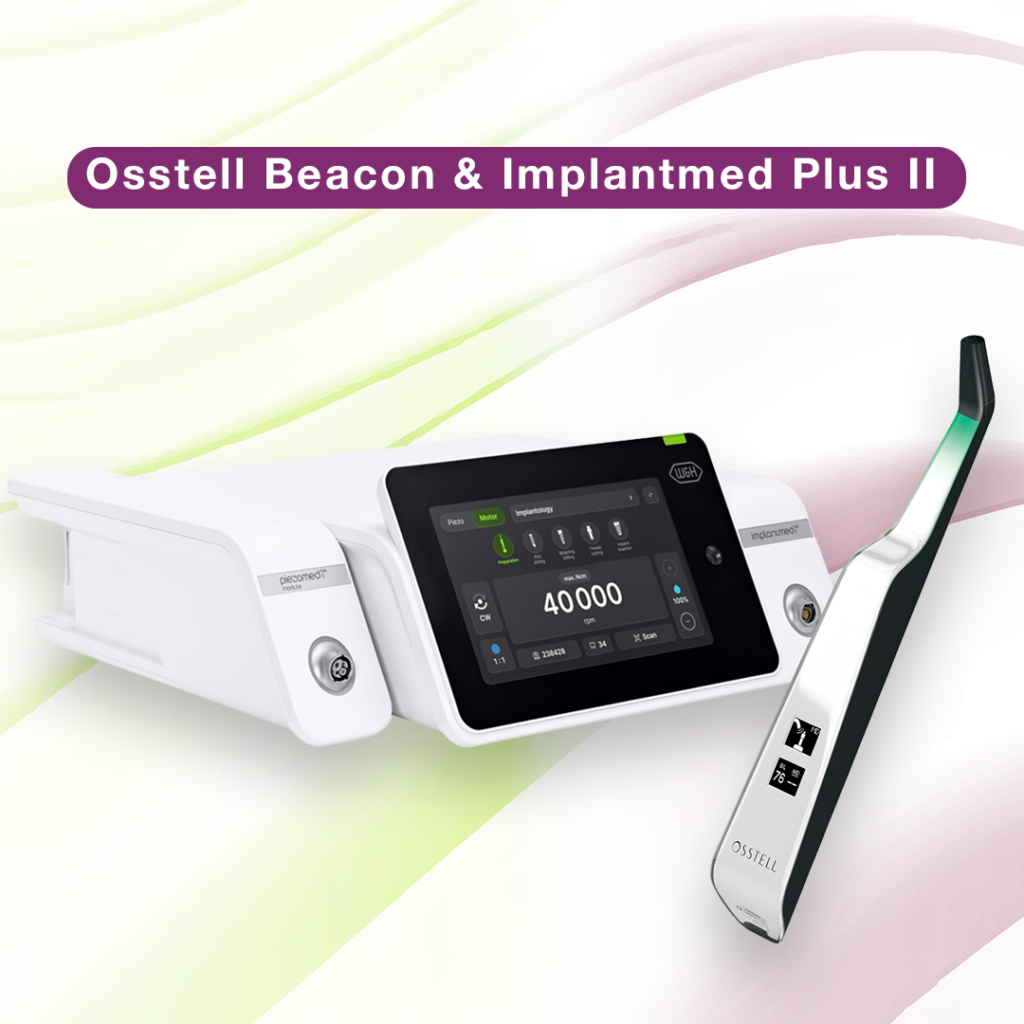
Implantmed Plus II & Osstell Beacon

Precisión y fiabilidad con las unidades Implantmed Plus II y Osstell Beacon de W&H

Implantmed Plus II de W&H, combinado con Osstell Beacon, ofrece una solución ideal para que los procedimientos de implante sean seguros y precisos. Con funciones como control de torque automático, para que la inserción del implante sea segura, y una función de mecanizado de roscas para mejorar la precisión, Implantmed Plus II garantiza la facilidad y la exactitud. Osstell Beacon mejora aún más la experiencia al mostrar las mediciones de estabilidad ISQ en tiempo real directamente en la pantalla, con lo que se simplifica la documentación y se fomentan unos resultados óptimos para los pacientes.
Explore el paquete Implantmed Plus II + Osstell Beacon para llevar la máxima precisión a su consulta.
Más información sobre las soluciones de W&H

Vídeos

Configure su instrumento: paso a paso

En este breve vídeo, le guiaremos, paso a paso, en la configuración y el registro de su Osstell Beacon. Comience en 5 minutos y reciba 2 cajas de SmartPegs sin cargo.

Regístrese aquí
Mida la estabilidad del implante con Osstell Beacon

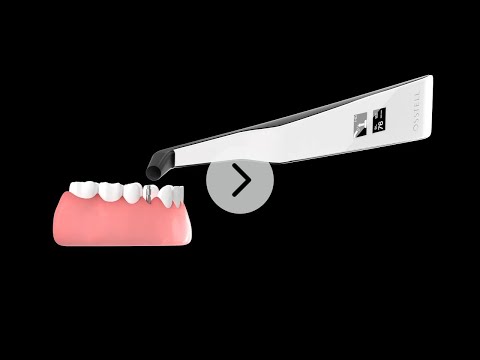
El Osstell Beacon determina la estabilidad del implante en cuestión de segundos. En este vídeo, le mostramos como realizar las mediciones. Para obtener guías paso a paso, visite la sección Ayuda de su cuenta de OsstellConnect.

OsstellConnect
Search for distributor

Materiales de apoyo

EMC Declaration

Frequently asked questions

Got a question regarding Osstell Beacon? Our FAQ is the fastest way to get help. Below you will find the most frequently asked questions regarding Osstell Beacon. If you can’t find the answer you are looking for, don’t hesitate to contact us.

How do I switch the Osstell Beacon from transport mode to use mode?

The Osstell Beacon is delivered in transportation mode with the motion sensor deactivated. To switch modes, briefly connect the USB cable to the instrument and a USB port on a computer for a few seconds, then disconnect.

How do I get started?

Start by charging the instrument for about 3 hours to ensure optimal performance.

The Osstell Beacon starts automatically when moved, shows the battery status, and is then ready for measurement in the BL (buccal-lingual) direction.

Bring the instrument close to a SmartPeg or TestPeg to start measuring. An audible signal confirms the measurement, and the ISQ value is shown together with a coloured stability indication (red, yellow, green).

At start-up, an OsstellConnect code is displayed until the instrument is registered. You can register your instrument here: Register to OsstellConnect.

The instrument turns off automatically after 60 seconds without movement.

How do I measure with the Osstell Beacon?

Video on how to measure: Measure with Osstell Beacon

1. Activate the Osstell Beacon by picking it up. The instrument will start-up and after showing the battery status, the instrument will be ready for measurement in the BL (Buccal – Lingual) direction, which is prompted in the upper display as well as optimal angle towards the Smartpeg.

2. Place a barrier sleeve over the Osstell beacon instrument.

3. Place the SmartPeg into the SmartPeg Mount. The SmartPeg is magnetic, and the SmartPeg Mount will hold the SmartPeg. See fig 2. Attach the SmartPeg to the implant or abutment by screwing the SmartPeg Mount using finger force of approximately 4-6 Ncm. Do not over-tighten, to avoid damaging the SmartPeg threads.

4. Hold the instrument tip close (2-4mm) to the top of the SmartPeg without touching it. Sometimes, you will need to go as close as 1 mm. An audible sound indicates when measurement has started, and measured data will be shown in the upper display combined with a colored light indication below the tip.

5. Bring the instrument out of the mouth to clearly read the ISQ value and the colored indication. The measured ISQ values will be displayed in the upper display for a couple of seconds and then switch to be ready for measurement in mesial-distal direction.

6. Repeat step 4 and the sequence starts over and the Osstell Beacon is ready for measurement in the BL (Buccal- Lingual) direction again.

7. When all measurements are performed, remove the SmartPeg by using the SmartPeg Mount. The instrument is automatically turned off after 60 seconds of inactivity.

What should I do if the Osstell Beacon doesn’t start or when the display is showing a wrench and a manual?

Charge the Beacon for at least 30 min in room temperature, then try again. If the error remains, try resetting the device by:

1. Identify the Beacon reset pin on the picture below.

2. With a paper clip, do a gentle press for 1 second on the reset button (Note! You may have to tilt the pin a little downwards).
If you see a “PadLock” symbol in the upper display, press one more time on the reset button.


If the Beacon still doesn’t start or the display is showing a wrench and a manual, then please contact your local sales representative or distributor or support@osstell.com.

¿Por qué al medir obtengo valores inesperados o no consigo ninguna lectura?

Algunas posibles explicaciones son:


SmartPeg reutilizado: Los SmartPegs son desechables y solo deben utilizarse para una o varias mediciones en una sesión de tratamiento, para un solo paciente. La reutilización repetida puede dar lugar a lecturas falsas debido al desgaste de las roscas blandas de aluminio del SmartPeg.

Tipo de SmartPeg incorrecto seleccionado para el implante: Consulte la lista de referencia de SmartPeg, osstell.com/smartpegguide

Hueso o tejido blando entre SmartPeg e implante: Asegúrese de limpiar la conexión protésica del implante antes de colocar el SmartPeg.

Interferencias electromagnéticas: Retire la fuente de las interferencias electromagnéticas.

La sonda está demasiado lejos del SmartPeg: Sostenga la sonda a 2-4 mm del SmartPeg.

Explore nuestros productos

SmartPeg

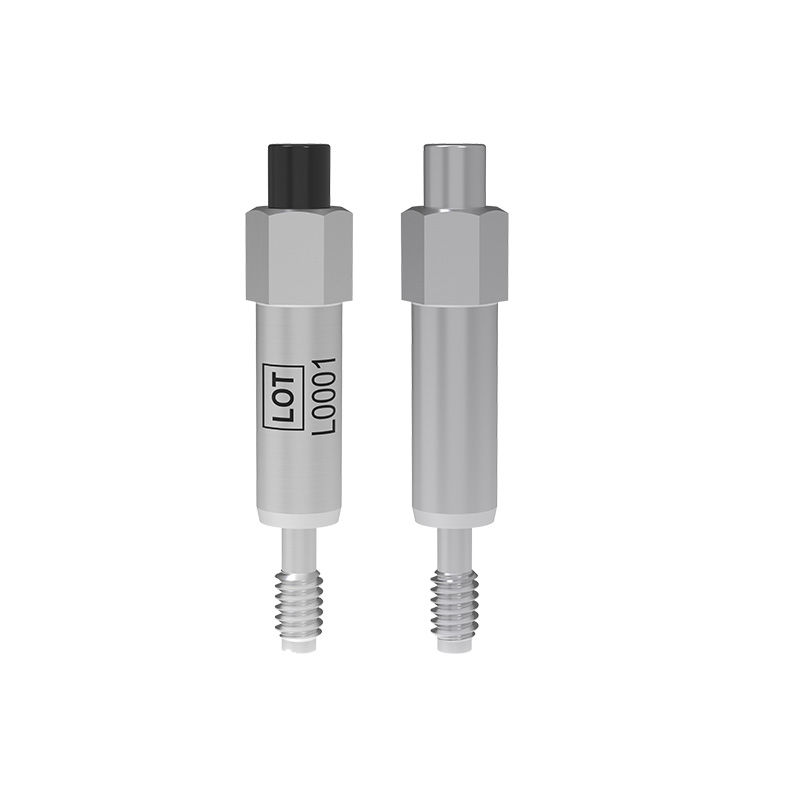
El SmartPeg™ se conecta al implante y se utiliza junto con los instrumentos de medición Osstell IDx, Osstell Beacon u Osstell ISQ.

OsstellConnect

OsstellConnect es una solución gratuita basada en la nube que ofrece a los médicos una nueva manera de utilizar los datos para mejorar sus tratamientos con implantes dentales.